Welcome. This guide explains how Safety Courses Online works — choosing a course, registering, pricing, certificates, languages and getting help — so you can get trained and certified with confidence. Everything is online and self-paced.
1. About the platform
In short
- What Safety Courses Online is.
- Who it is for.
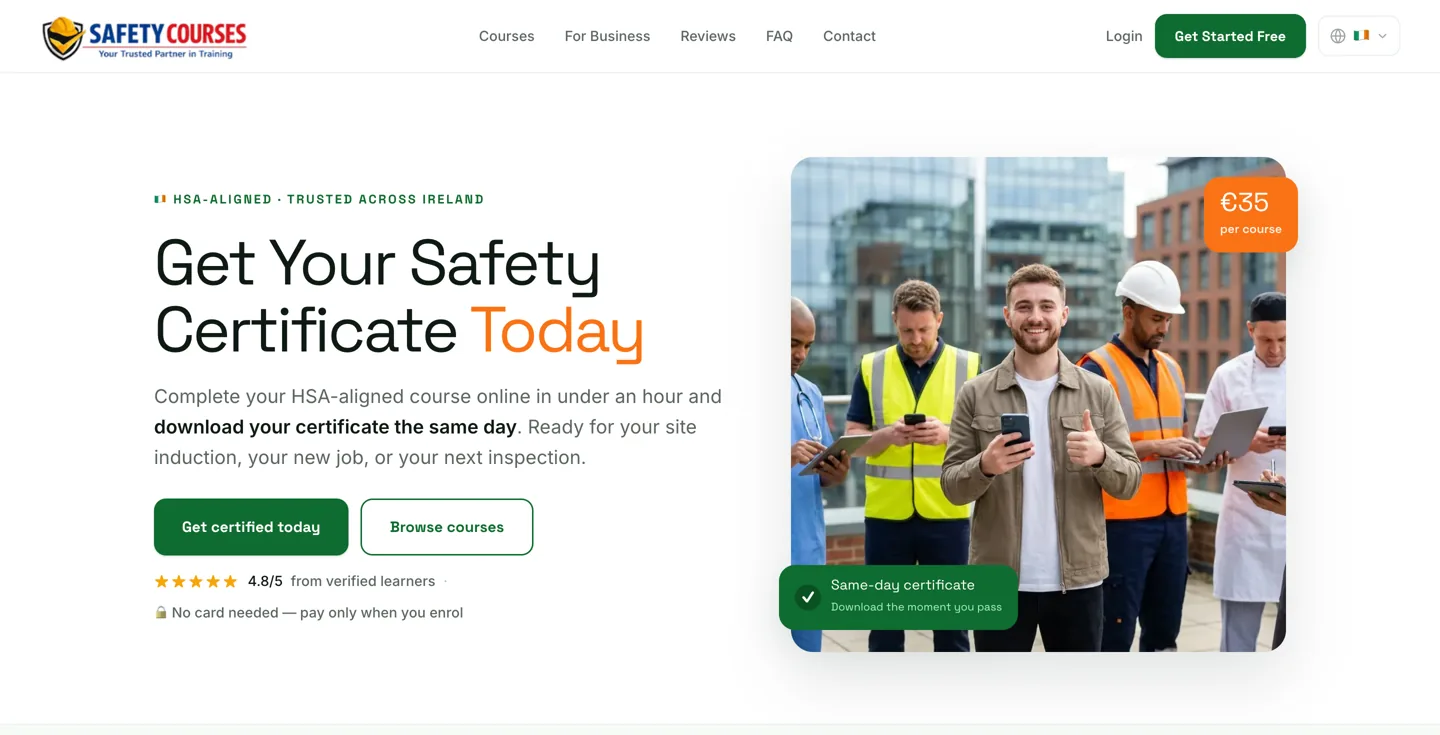
Safety Courses Online is an online platform for workplace health & safety training. You take a course at your own pace on any device, pass a short assessment, and download your certificate the same day. Courses are developed and delivered by qualified instructors.
It is for both individual workers buying for themselves and employers training a whole team — and courses can be taken from anywhere.
Next
- See how it works.
- Browse our courses.
2. How it works
In short
- The five simple steps from sign-up to certificate.
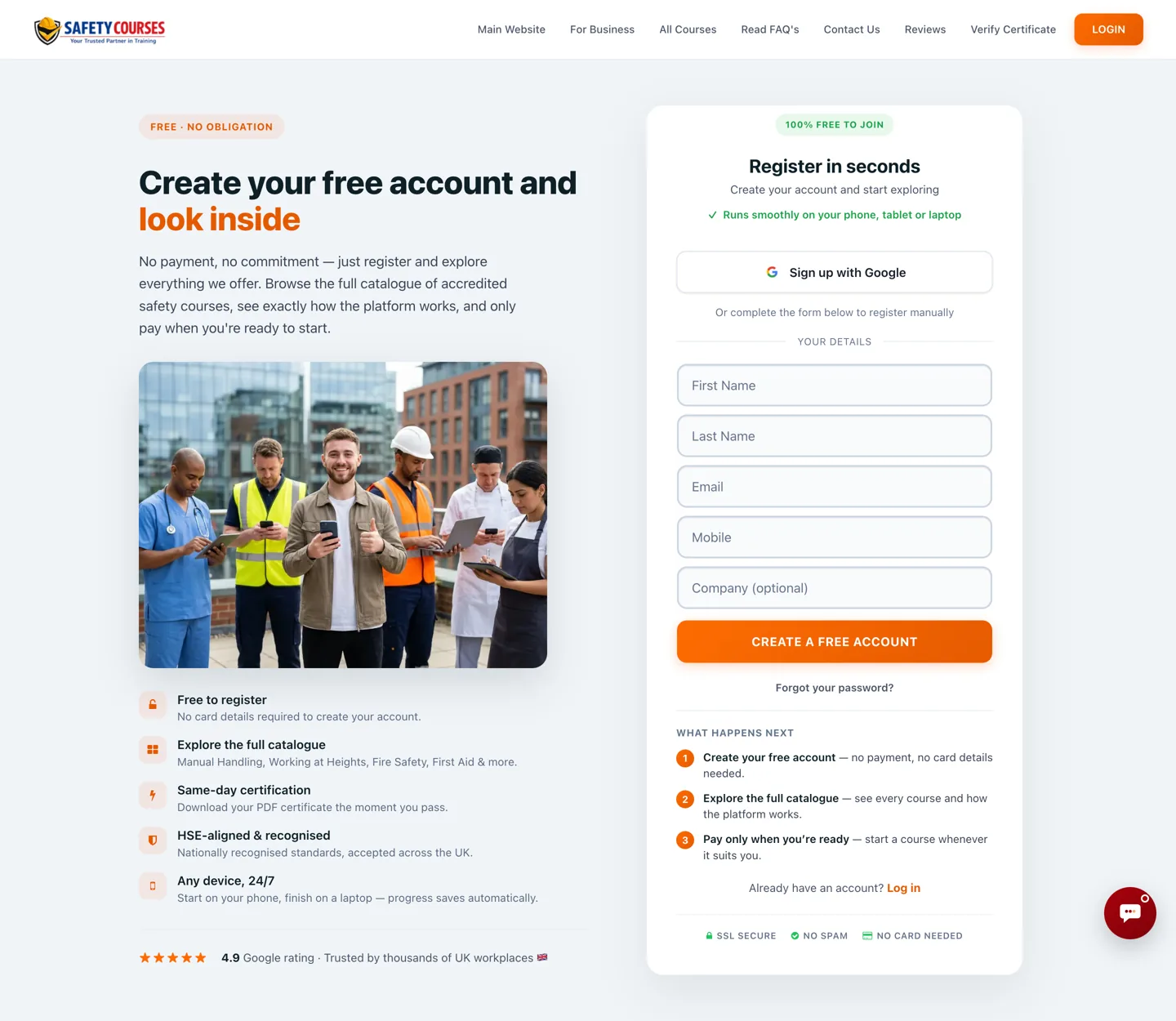
- Create your free account — no card needed to register.
- Choose your course and pay at checkout.
- Complete the course online at your own pace — no time limit.
- Pass the assessment — with free retakes if you need them.
- Download your certificate the same day.
Next
- Check pricing.
- Learn about certificates.
3. Our courses
In short
- What we offer and how courses are delivered.
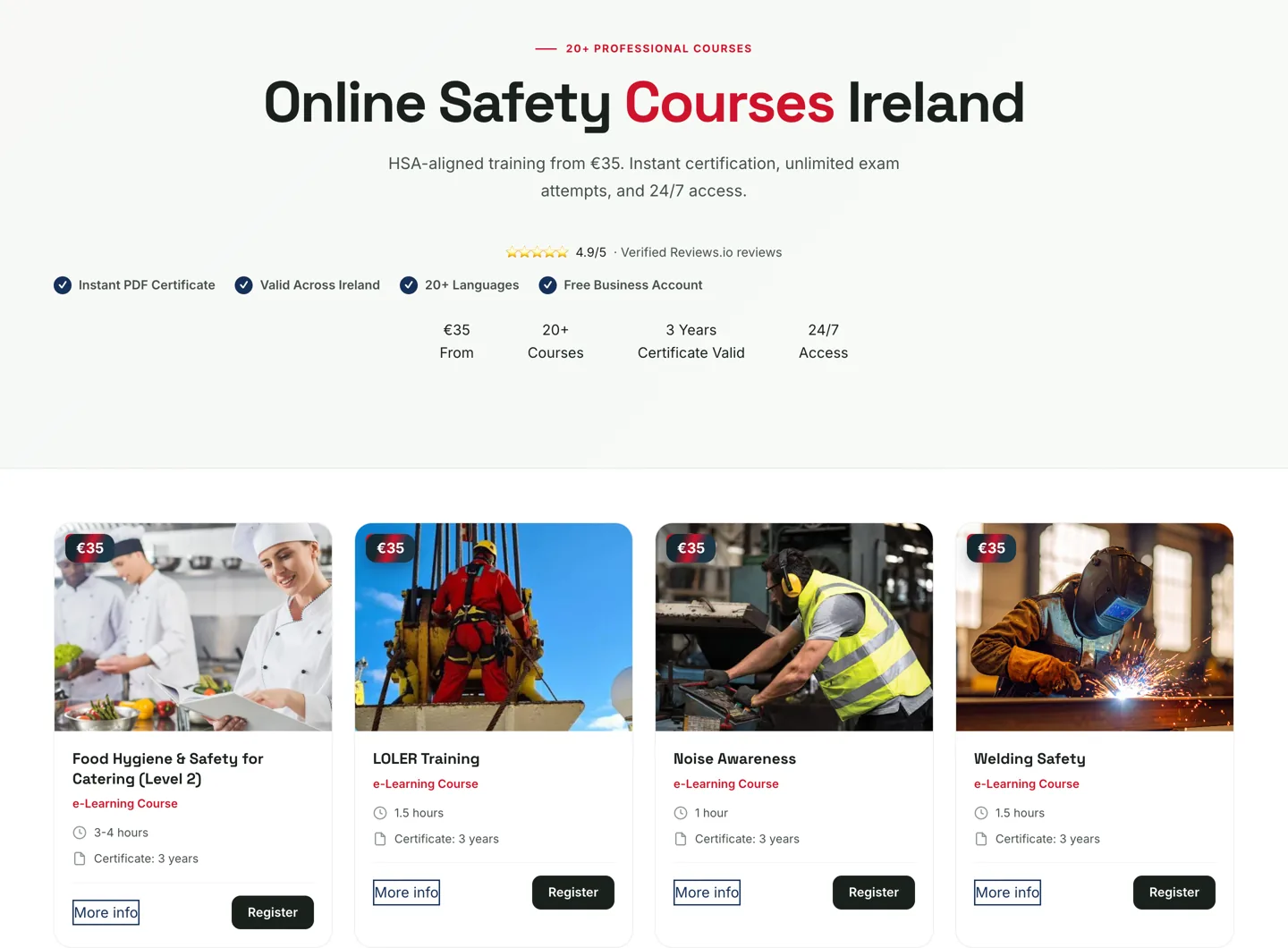
We offer around 17 workplace safety courses — including Manual Handling, Working at Heights, Fire Warden, Fire Extinguisher, Workplace First Aid, Abrasive Wheels, Asbestos Awareness, HACCP & Food Hygiene, Risk Assessment and more. The live catalogue on safetycoursesonline.ie is the full, current list.
Every course is fully online and self-paced, on any device, with no time limit. Each ends with a short assessment you can retake for free. Some courses (such as Manual Handling) include a brief practical video assessment, included in the price.
Not sure which course you need? Each course page explains who it is for — or contact us and we will help you choose.
Next
- See languages & access.
- Check pricing.
4. Languages & access
In short
- Languages, devices and where you can train.
Courses are available in 20+ languages, including English, Polish, Romanian, Lithuanian, Spanish, Portuguese, Ukrainian, Latvian and many more — so a team of different first languages can take the same training and receive the same certificate.
Training runs on any internet-connected device — phone, tablet or computer — around the clock, and can be taken from anywhere in the world.
Next
- See certificates.
5. Pricing & buying
In short
- Costs, discounts, payment and refunds.
Individual courses start at €35, with a few longer courses priced higher. The price shown on each course and at checkout on safetycoursesonline.ie is always the definitive one.
If you are training more than one person, volume discounts apply automatically at checkout — the more places you buy, the lower the price per course. You create your account for free with no card needed, and pay only when you enrol. There is no subscription — you pay only for what you use. Bundles group several courses together for less.
Refunds are available for genuine issues such as a technical error, the wrong product, or a mistake in the quantity purchased. The full policy is on safetycoursesonline.ie.
Next
- Read about business accounts.
6. Certificates
In short
- What you get, when, and how it is verified.
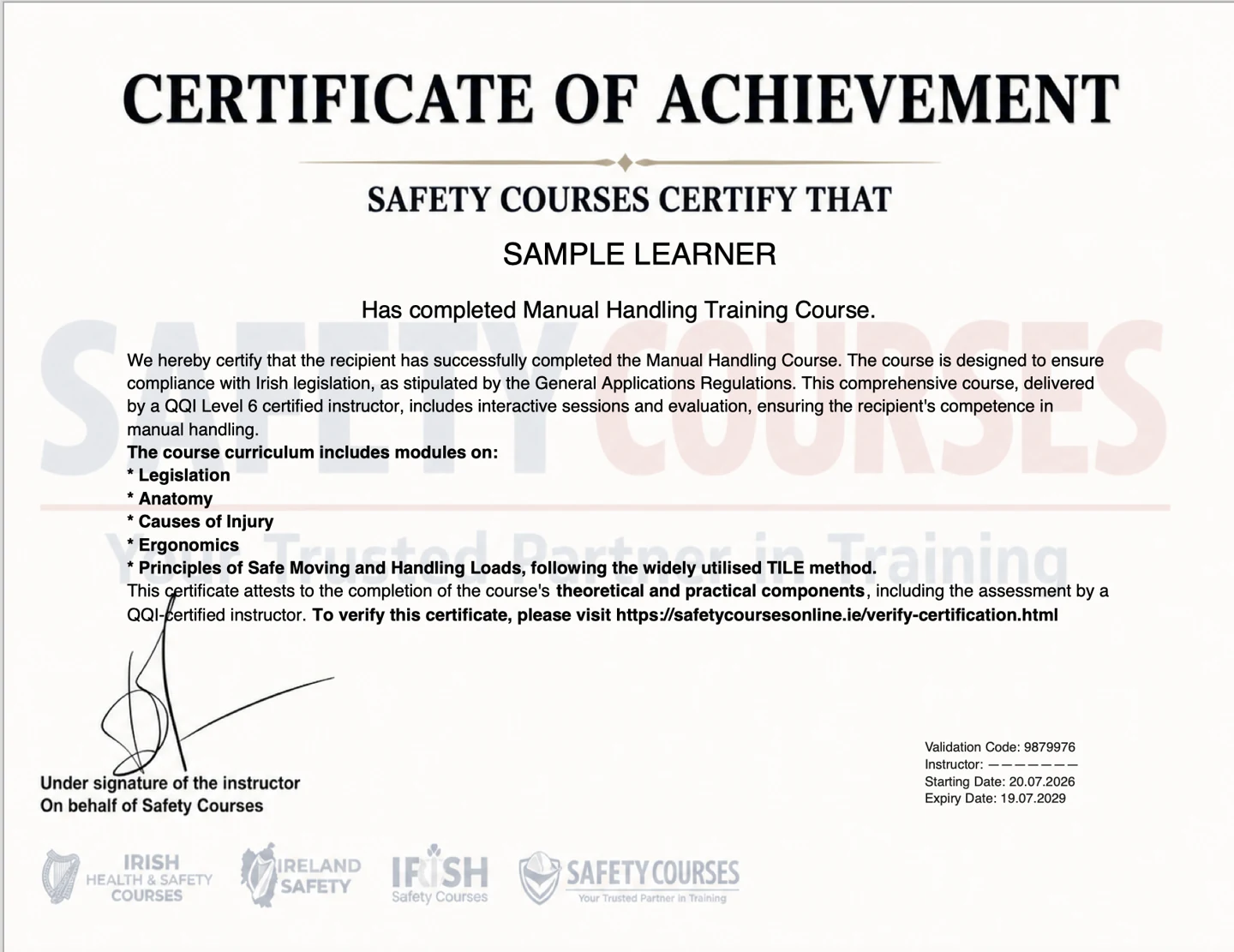
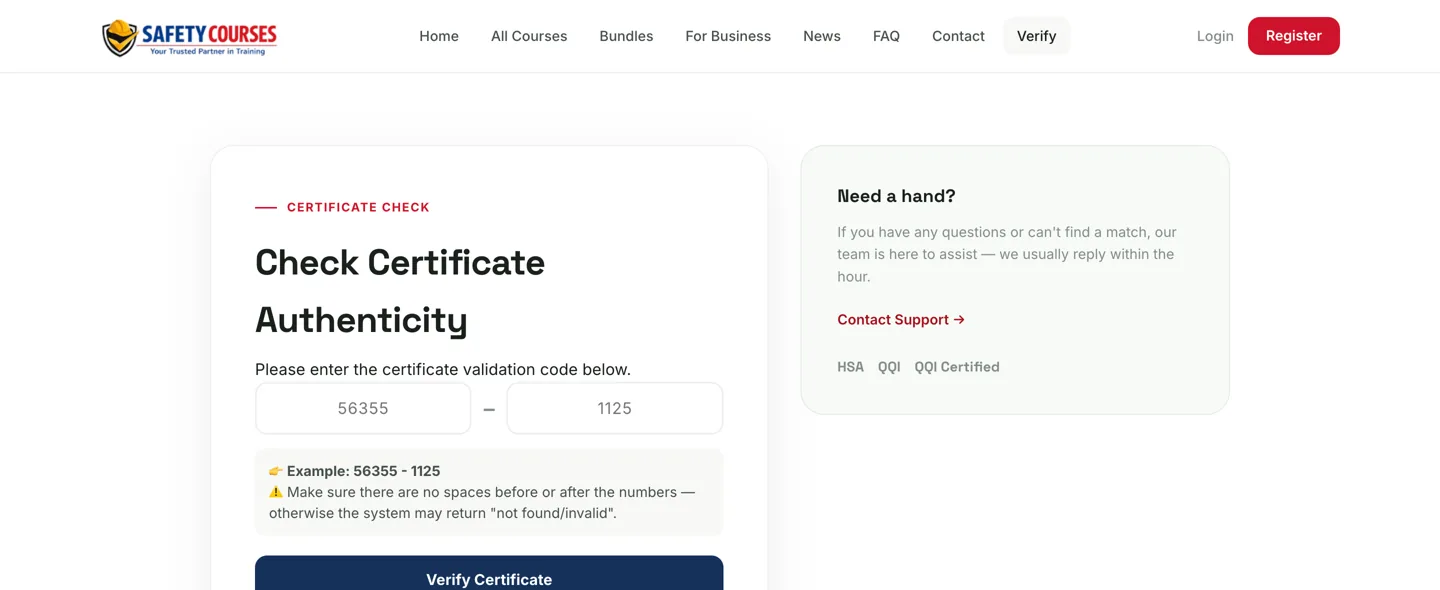
When you pass a course you receive a downloadable PDF certificate of completion, available the same day. Each certificate carries a unique code that can be checked online, so an employer or third party can confirm it is genuine.
Certificates are valid for 3 years; a small number of courses may differ, so the validity shown on the certificate is the one to rely on. Lost your copy? Sign back into your account and download a replacement for free at any time.
Next
- See individuals & teams.
7. Business accounts
In short
- Training a team, discounts, and VAT invoices.
Training staff? A free business account lets you buy course places for your team, see everyone’s progress and certificates in one place, get volume discounts, and download VAT invoices for your records. There is no subscription, and no card is needed until you enrol someone.
To get started: create a free business account, buy the number of course places you need, get your staff started, and download their certificates as they complete.
Next
- Compare individual vs team buying.
8. Individuals & teams
In short
- Which path fits you.
If it is just you, buy as an individual — register, pay, and complete your course. If you are responsible for other people’s training, a free business account adds automatic discounts and one place to track everyone.
You can also buy a course for someone else: you pay as the cardholder, and the learner enters their own details when they register, so the course and certificate belong to them.
Next
- Read common questions.
9. Common questions
In short
- Quick answers to the questions people ask most.
Is there a time limit to complete a course?
No — courses are self-paced, so you can take as long as you need and finish whenever suits you.
What if I do not pass the assessment?
You can retake it as many times as you need at no extra cost, with feedback to help you.
Can I revisit the material after finishing?
Yes — sign back into your account any time to review the content.
A page will not load — what should I do?
Clear your browser cache and use an up-to-date browser such as Chrome. If it still does not work, contact us and we will help.
Next
- See getting help.
10. Getting help
In short
- How to reach us before you buy.
Have a question before you buy — which course you need, whether it suits your workplace, or anything about pricing? Email us or use the chat on safetycoursesonline.ie — we usually reply within the hour. There is no phone line, which keeps a clear written record of your question and our answer.
We are happy to help you choose the right course for your role or workplace.
Ready to start?
- Create your free account and choose a course on safetycoursesonline.ie.